Explain step by step
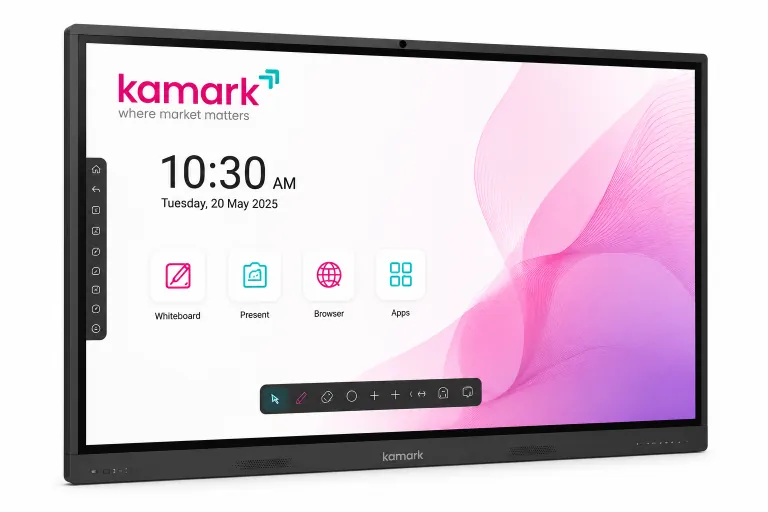
Show slides, diagrams and videos on the 4K screen and highlight important details as you teach.
Kamark for learning
Help trainers explain complex ideas visually, respond to questions in real time and bring learners into the lesson with an interactive smart board.
What it helps you do
Use familiar training materials with an interactive display that supports explanation, participation and discussion.
Show slides, diagrams and videos on the 4K screen and highlight important details as you teach.
Use the multi-touch screen and digital whiteboard for exercises, annotation and group problem-solving.
Wirelessly share a compatible laptop or mobile screen to review examples and discuss learner work.
During a session
01 · Prepare
Use the built-in Android system or connect a compatible computer to display your session content.
02 · Teach
Write on the digital whiteboard, mark up visuals and ask learners to interact with the display.
03 · Review
Use available cloud support to access training files again and continue with the next session.
Share the kind of courses you run, room layout and how trainers present today. Kamark can demonstrate the available features and discuss a configuration to suit your training environment.
See all digital smart board features →