Interactive Learning Experience
Make lessons engaging with touchscreen activities, diagrams, visual examples and interactive educational content.
Bring interactive teaching to schools, colleges and coaching centres with the Kamark Smart Board. Write on screen, present rich learning content and invite collaboration on a display designed to fit your classroom.
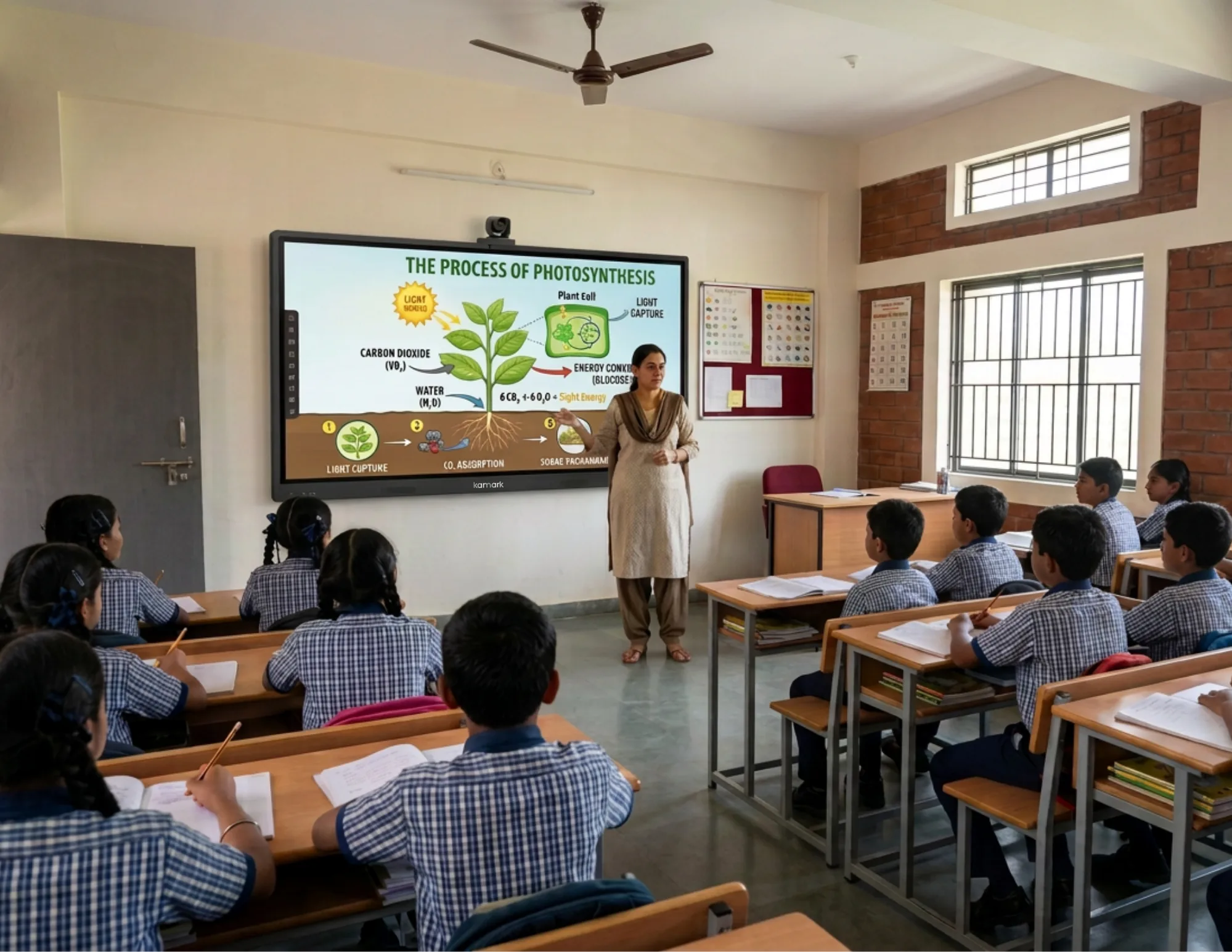
A smart board for teaching is an interactive digital display that enables educators to explain concepts through digital notes, presentations, images, videos, diagrams and compatible educational applications.
Unlike a conventional blackboard or whiteboard, an interactive teaching board combines visual learning with touchscreen interaction. Teachers can write directly on the display, highlight important information, solve problems step by step and present learning materials on a single screen.
Kamark interactive display solutions can support technology-enabled education and collaborative classroom activities, depending on the selected hardware and software configuration.
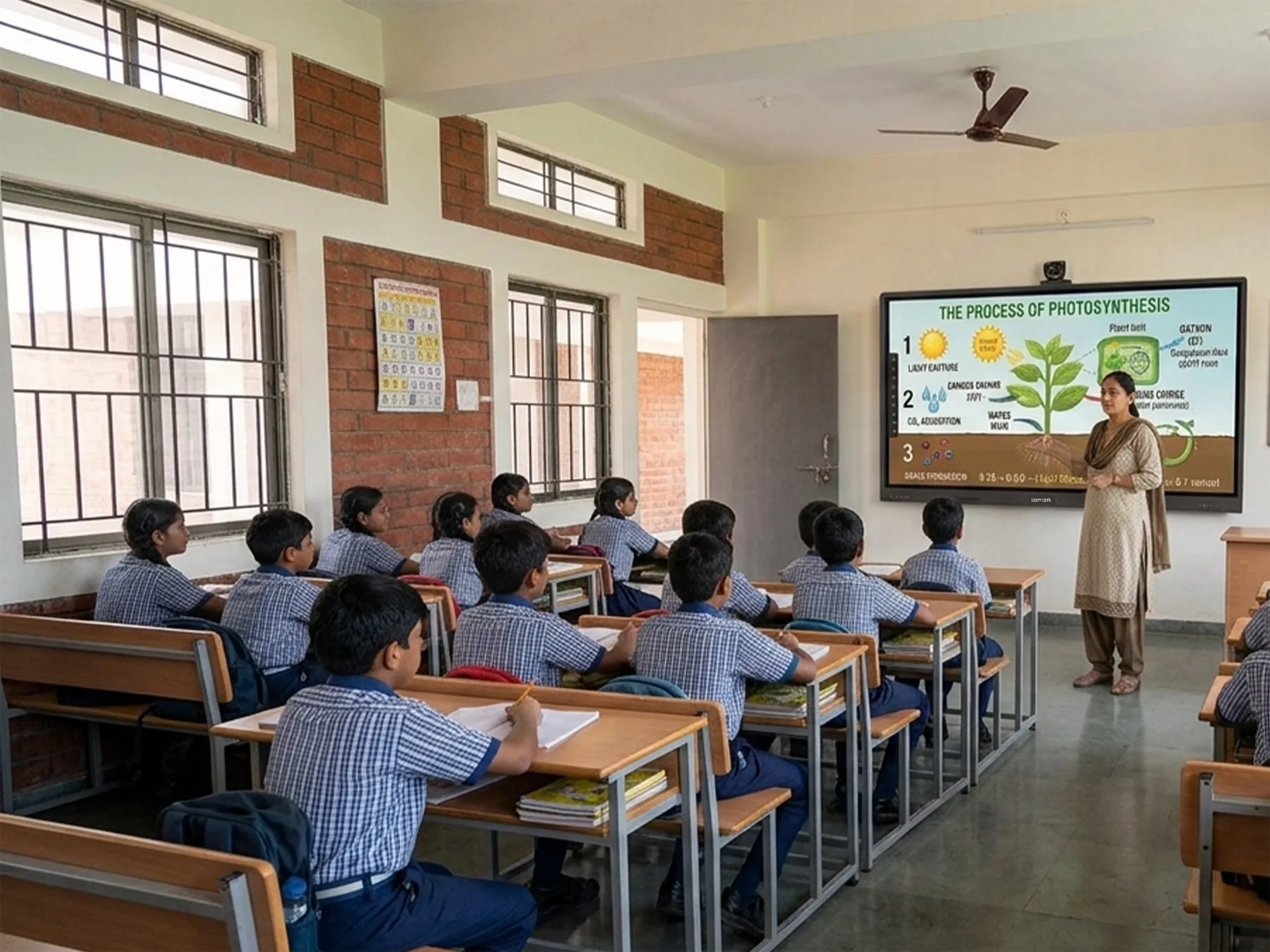
Interactive teaching technology gives educators additional ways to explain complex topics, present visual information and encourage student participation.
Make lessons engaging with touchscreen activities, diagrams, visual examples and interactive educational content.
Present detailed charts, scientific illustrations, equations, maps and educational videos on a high-resolution display.
Write notes, highlight key points, draw diagrams and explain difficult concepts directly on the interactive screen.
Use compatible applications, presentations, images, videos and digital resources to support different teaching styles.
Present content from compatible laptops, tablets and smartphones using supported wireless sharing solutions.
Encourage students to participate in problem-solving, presentations and interactive classroom exercises.
Bring lesson materials onto one interactive display and move naturally from presenting to explaining, then invite students to take part.
Open compatible presentations, learning apps, diagrams and video resources on the classroom display.
Write, annotate and work through a concept live using the interactive display and digital whiteboard tools.
Use touch activities and compatible screen sharing to encourage discussion and collaborative learning.
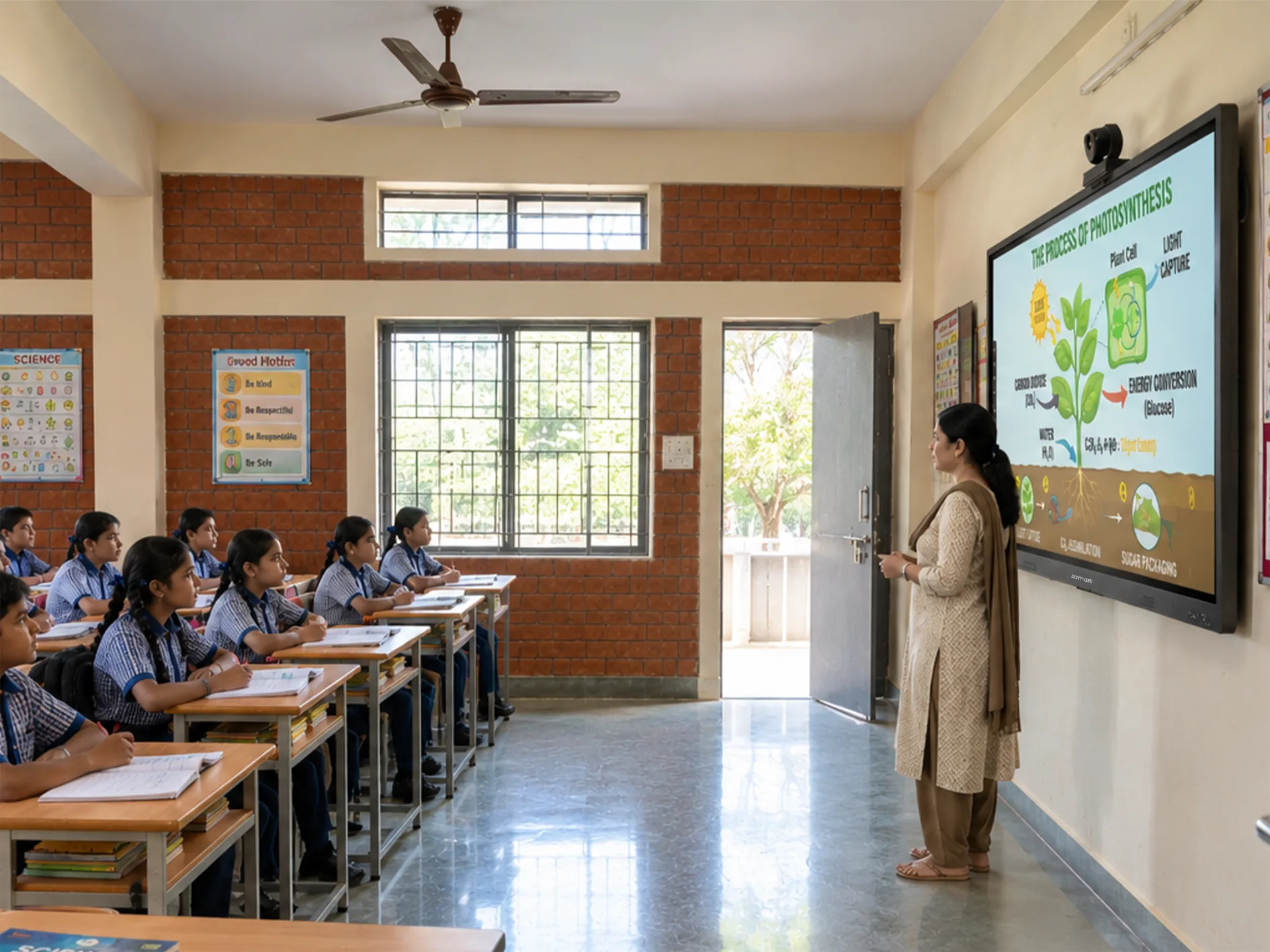
Select an interactive display according to classroom dimensions, viewing distance, seating arrangement and teaching requirements.
Suitable for smaller classrooms, tutoring spaces, compact training rooms and individual instruction.
A practical option for medium-sized classrooms, coaching rooms and training environments.
Designed for larger classrooms, lecture rooms and collaborative teaching spaces.
Consider an extra-large display for spacious lecture halls and training environments, subject to availability.
Note: Confirm available models, sizes, specifications and installation requirements with Kamark before purchasing.
Support classroom lessons, visual demonstrations, quizzes and subject-specific learning activities.
Present lectures, research materials, diagrams and multimedia content in collaborative learning environments.
Explain competitive examination topics, solve numerical problems and conduct revision sessions.
Present lessons to remote learners using compatible screen-sharing, recording and conferencing tools.
Combine in-person instruction with remote participation using suitable cameras, microphones and software.
Display technical diagrams, simulations and digital educational resources on a large interactive screen.
Understand how an interactive digital display differs from a traditional classroom whiteboard.
| Feature | Traditional Whiteboard | Interactive Smart Board |
|---|---|---|
| Writing | Marker-based | Digital writing and annotation |
| Multimedia | Limited | Images, videos and presentations |
| Touch Interaction | Not available | Supported touch interaction |
| Content Sharing | Usually manual | Digital sharing options |
| Learning Material | Physical or printed | Digital resources and compatible applications |
| Student Collaboration | Primarily physical | Digital and interactive activities |
| Connectivity | Usually none | Options vary by model |
A smart board complements effective teaching methods. Results depend on lesson planning, teacher training and appropriate digital learning content.
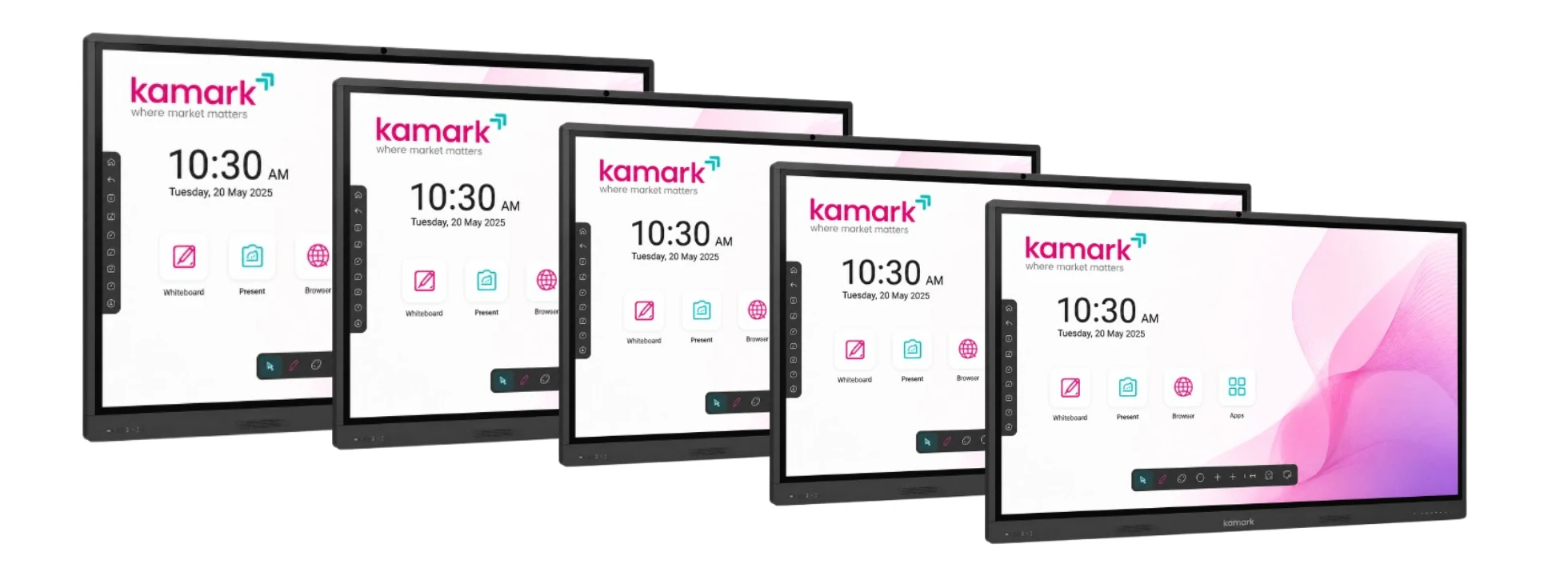
Key display, system, connectivity and interface details for the interactive smart board.
| Display | 65" / 75" / 86" / 110" 4K UHD |
| Display Resolution | 3840 × 2160 (4K UHD) |
| Touch Points | 20 Point Multi Touch |
| Operating System | Android 16 |
| RAM | 8 GB |
| Internal Storage | 128 GB |
| CPU Architecture | ARM64-v8a |
| Network | Wi-Fi + LAN / RJ45 |
| Wireless | Bluetooth |
| Expansion | OPS slot |
| Speaker | 2 x 20W |
| Interface | Purpose |
|---|---|
| HDMI IN | Connect a laptop, PC, or another video source to the board. |
| HDMI OUT | Send the board's display signal to a compatible external display or projector. |
| USB 2.0 / USB 3.0 | Connect storage devices and peripherals such as a keyboard or mouse. |
| USB Type-C | Connect compatible modern devices; exact capabilities depend on configuration. |
| TOUCH USB | Pass touch interaction to a connected external computer. |
| LAN / RJ45 | Provide a stable wired network or internet connection. |
| LINE IN / LINE OUT | Connect external audio sources and speakers or audio systems. |
| OPS Slot | Integrate an optional OPS computing module. |
Configuration note: Processor model, touch-point count, brightness, panel technology, speaker rating and other model-specific specifications should be confirmed against the selected board configuration before final quotation.
Selecting the right interactive teaching display involves more than choosing a screen size. Consider the classroom environment, teaching methods, connectivity and long-term support requirements.
The price of a digital smart board for teaching depends on screen size, resolution, touch technology, operating system, memory, storage, connectivity, software and installation.
Larger displays and configurations with additional computing modules or conferencing equipment may cost more than basic configurations.
For an accurate quotation, share your preferred screen size, institution type, quantity and required features with the Kamark team.
Every classroom is different. Start with your room, teaching needs and existing devices, then discuss a suitable configuration with Kamark.
Share classroom size, seating layout and the screen size you are considering.
Discuss teaching tools, connectivity, software and compatible device requirements.
Explore the board's teaching workflow and confirm model-specific specifications with the team.
Find answers to common questions about interactive teaching displays, connectivity, classroom applications and pricing.
A smart board for teaching is an interactive digital display that allows educators to write, annotate, present multimedia content and conduct interactive learning activities.
The ideal size depends on classroom dimensions, seating arrangement and viewing distance. Common options to consider include 65-inch, 75-inch and 86-inch displays.
Yes. Compatible interactive displays support digital writing and annotation using a finger or supported stylus.
Some models include Android. Windows functionality may be available through a compatible OPS module or external computer. Confirm the exact configuration before purchase.
Yes. It can be used with compatible video-conferencing software and suitable camera, microphone and network equipment.
Yes. It can support presentations, diagrams, numerical problem-solving, revision sessions and multimedia explanations.
Compatible models support laptop connectivity through options such as HDMI, USB or wireless screen sharing. Check the selected model's ports and software requirements.
Prices vary according to screen size, hardware, software and accessories. Contact Kamark for a quotation based on your requirements.
It can perform many traditional writing and presentation tasks. Some classrooms may still prefer to retain a physical whiteboard.
Contact Kamark through the website's enquiry section to discuss product availability, specifications and demonstration options.
Bring digital interaction, visual learning and collaborative teaching into your school, college, coaching institute or training centre with a suitable Kamark interactive display.
Request a Demo Today →