Present information clearly
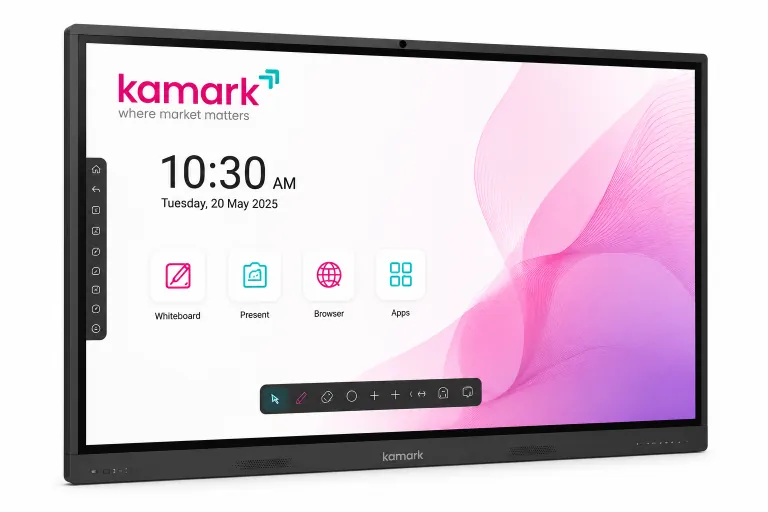
Use the 4K display to share presentations, charts, documents and other visual material with a room.
Kamark for public institutions
Equip institute meeting rooms and training spaces with an interactive display for presentations, annotated briefings and instructor-led sessions.
Institutional use cases
Apply the board to the specific briefings, teaching and collaboration your institute needs to conduct.
Use the 4K display to share presentations, charts, documents and other visual material with a room.
Annotate content live, capture discussion points on the whiteboard and invite participants to contribute.
Combine lesson material, screen sharing and touch interaction for staff development or learning sessions.
From room to session
01 · Identify
Start with the room size, viewing needs, audience and the devices your teams already use.
02 · Demonstrate
Test presenting, wireless sharing, touch annotation and whiteboard use in a product demonstration.
03 · Deploy
Discuss connectivity, placement and installation requirements with Kamark for the intended space.
Every institute has its own room, equipment and approval requirements. Share your intended use, connectivity needs and deployment context so the Kamark team can discuss the right demonstration and setup with you.
See all digital smart board features →