Present and explain
Display reports and presentations in 4K, then annotate key points directly on screen.
Kamark for business
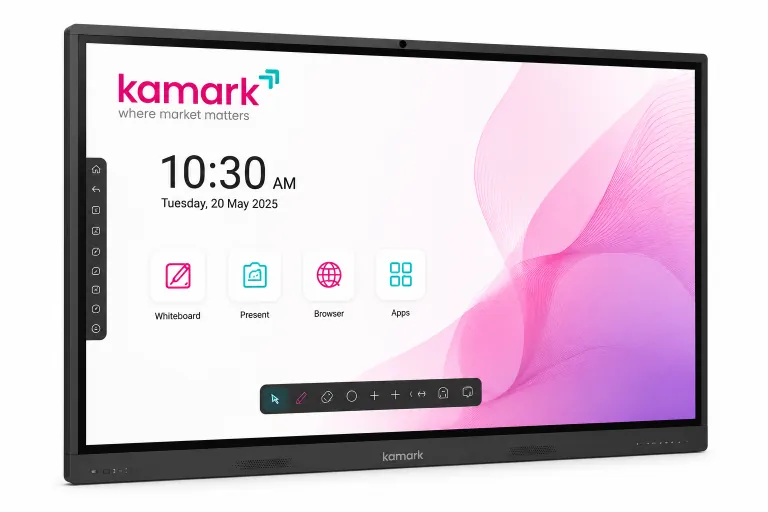
Bring presentations, handwritten ideas and remote conversations onto one interactive display. Kamark smart boards help teams make meeting-room collaboration more visual and hands-on.
Ways to use it
Use the board as an interactive surface for the meetings and working sessions your teams already run.
Display reports and presentations in 4K, then annotate key points directly on screen.
Use the digital whiteboard and multi-touch interaction to map ideas as a group.
Share a laptop or mobile screen wirelessly and use compatible video-conferencing apps for remote discussions.
A simple workflow
01 · Connect
Use the built-in Android system or connect a compatible device to present content.
02 · Collaborate
Annotate slides, sketch workflows and invite colleagues to interact on the touch display.
03 · Continue
Use available cloud support to access files and continue the conversation after the meeting.
Tell us about your room, team size and how you meet. Kamark can walk you through the smart-board features, connectivity and a suitable demonstration based on your requirements.
See all digital smart board features →